Steps6
- Download the payment report from your seller account.
- Open Business.
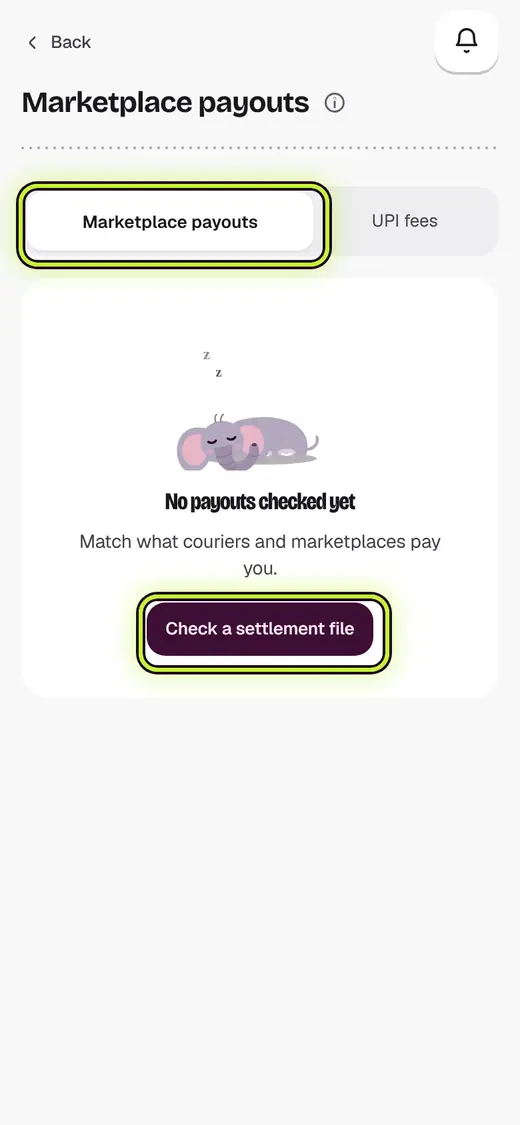
- Tap Marketplace payouts.
- Tap Check a settlement file.
- Pick the marketplace. Tap Choose the settlement CSV.
- Check the first rows. Tap Reconcile.
Good to know
- Short payments show in red. Raise them before the 10th of next month.
Still stuck?
In the app, tap ? on the screen you are on and ask in your own words. Or email support@kowntx.com. A person replies in writing. Never send your PIN, code or card number.