Steps8
- Get a free authenticator app, like Google Authenticator.
- Open Settings.
- Tap Two-step sign-in.
- Tap Set up two-step.
- Scan the code with the authenticator app.
- Type the 6-digit code it shows.
- Tap Switch on two-step.
- Write down your recovery codes. Tap I have saved them.
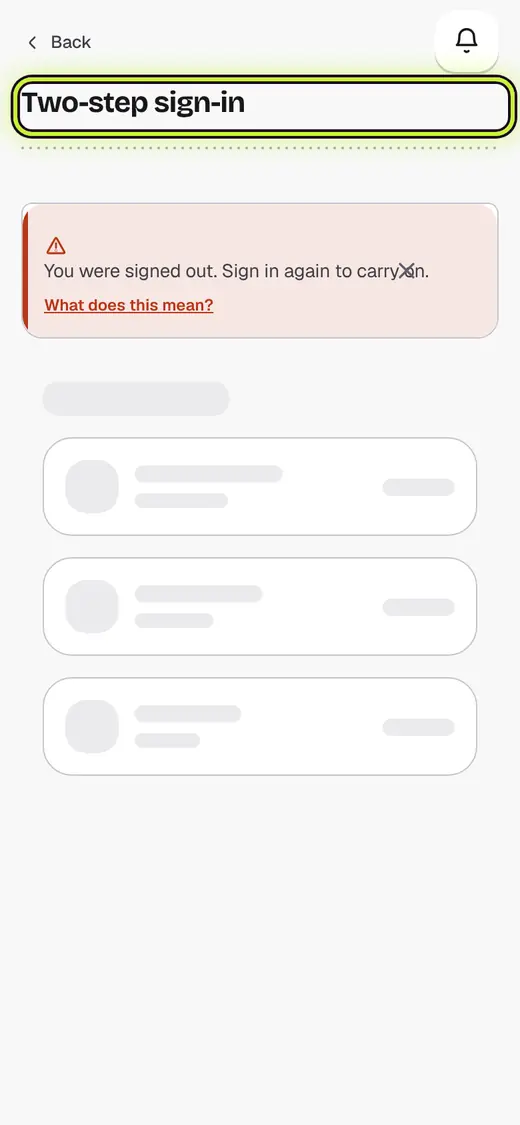
If it stops you
That code isn’t right: codes change every 30 seconds. Type the newest one.
Lost your phone? Tap Lost your phone? Use a recovery code when you sign in.
Good to know
- Only the shop admin's sign-in uses two-step. Staff are not affected.
Still stuck?
In the app, tap ? on the screen you are on and ask in your own words. Or email support@kowntx.com. A person replies in writing. Never send your PIN, code or card number.